Transaction GL Export
Parks & Rec > Transaction > GL Export
The GL Export option creates a .csv export file, a standard Munis journal import layout file, or a Munis general ledger export file. The type of export file created is determined by the GL Export Settings defined on the Integration Settings page in the System Setup group on the Administration tab.
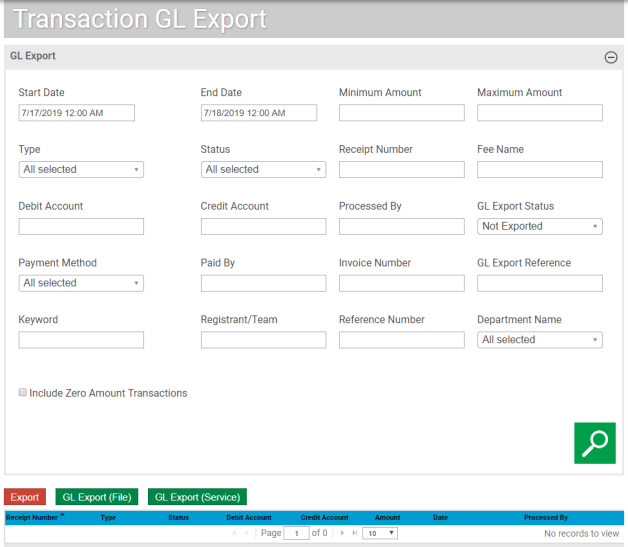
The Integration Settings page also includes the option to include refunds in the GL export file. When this setting is enabled, GL export files include refund details. If this setting is not enabled, the Type and Status do not include Refund options.
The Start Date and End Date fields specify a time interval for records to include in the search; the remaining search fields provide multi-select functionality, which allows you to select one or more criteria from each list.
To include $0.00 receipts in the GL export, select the Include Zero Amount Transactions check box.
If you try to create a GL export with records that have been exported already, the program displays a confirmation message indicating that records within the file have been exported previously, and you must select Continue Export to complete the current process.